English
  Español (Latinoamérica)
  Español (España)
  Français
  Português (Brasil)
  Português (Portugal)
  Bahasa Indonesia
  Deutsch
  日本語
日本語  Tiếng Việt
  한국어
한국어  Türkçe
  Italiano
  ไทย
ไทย  Polski
  Українська
  Nederlands
  Bahasa Melayu
  Svenska
  Čeština
  Dansk
Dansk  Suomi
Suomi  Norsk
Norsk  Hrvatski
  Magyar
  Română
  Ελληνικά
  中文(简体)
  中文(繁體)
  Қазақ тілі
  العربية
  Русский
Mewdicate

Mewdicate reminds you to take your meds and vitamins with gentle notifications, flexible schedules, health logging, and a Home Screen widget.



Key features
Built so you never skip a dose
Mewdicate makes staying on schedule simple, and a little more fun.

Medication reminders
Set daily, weekly, or fully custom schedules. Mewdicate notifies you right on time, even when your screen is off.

Flexible notifications
Tired of the same boring alert tone? Mewdicate lets you customize notifications to be quieter, gentler, and a whole lot more fun.

Health metrics
Log blood pressure, glucose, heart rate, and weight every day. Trend charts help you spot patterns and improve your health over time.

Low stock alerts
Mewdicate tracks how many doses you have left and gives you a heads-up when you're running low, so you can refill before your treatment gets interrupted.

Snooze & reschedule
Caught up when your reminder fires? Snooze it or move it to a different time slot with just one tap.

Home Screen widget
Perfect for forgetful minds. Your next dose is always in view on the Home Screen. No effort, no excuses.
Medication types
Icons for every type of medication
From tablets and syrups to eye drops, injections, and patches, Mewdicate covers all kinds of medications without any extra work from you.
Capsule Tablet Drops  Injection
  Liquid
  Patch
Patch  Powder
  Spray
Spray  Suppository
  Supplement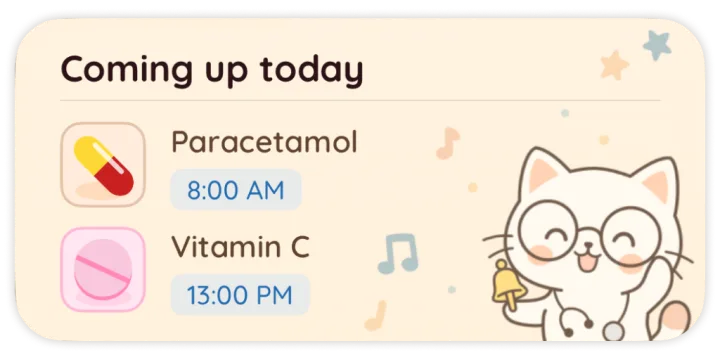
Notifications
Flexible, fully customizable alerts
Everyone's different. Mewdicate lets you pick the notification style that fits your habits and lifestyle best.
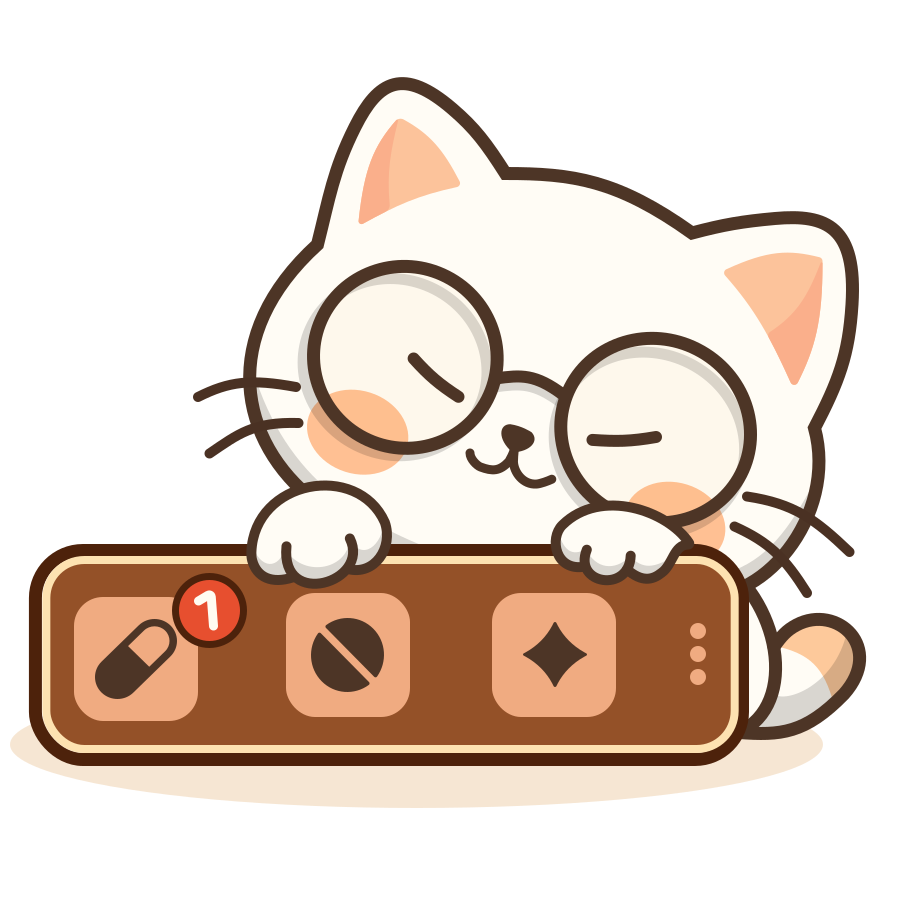
- Switch between standard system notifications for everyday reminders and full-screen alerts for the doses that really matter.
- Pick a custom alert sound that actually suits your taste.
- Personalize your reminder text, and hide medication details for sensitive doses.
- Log a dose or snooze a reminder right from the notification banner, no unlocking required.
- Set a sleep schedule so Mewdicate knows when not to disturb you on weekends.
Frequently asked questions
A few things to know about Mewdicate
Quick answers about reminders, supported devices, privacy, and purchases.